
Design commercial flat roof and ground-mounted PV. From layout to engineering to proposal.
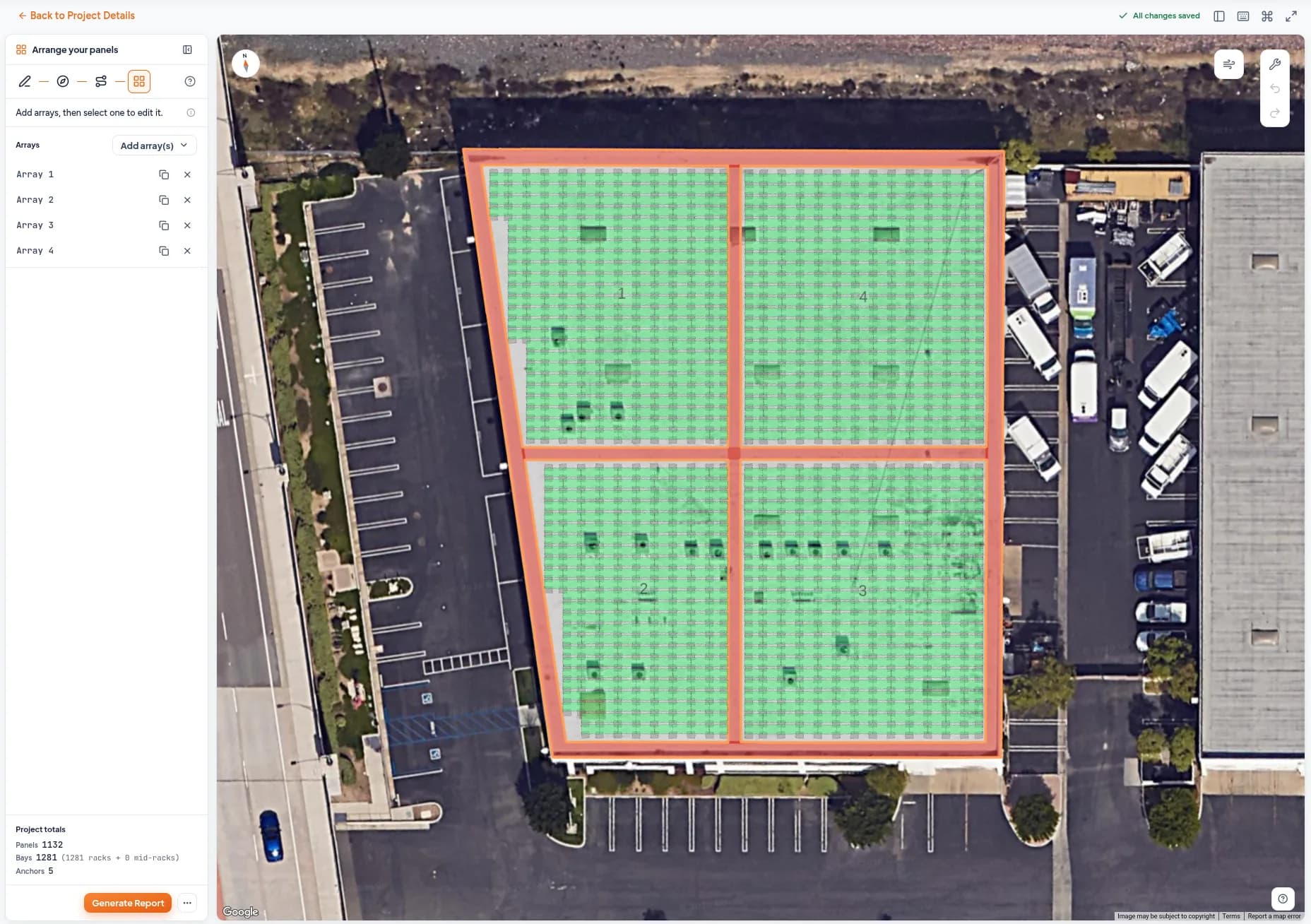
Using satellite imagery, outline the roof or ground area and either generate arrays automatically or draw custom arrays. Save and calculate the required ballast, then generate a permit-ready ballast report with a California PE dry stamp.
Solar racking that is simple to install
For the last 16 years, Sollega has been synonymous with simplicity. Whether you’re building commercial flat roof or ground-mounted PV, we know speed of deployment is key. That’s why we built the FastRack 510 as a one-piece, no-assembly-required racking solution, reducing on-site labor requirements. It’s also why we worked to pioneer UL 3741 (opens in a new tab), paving the way for what is now the industry standard for constructing C&I PV, removing the need for MLPEs (module-level power electronics).
The Sollega Design Tool (dT) is the next step in this philosophy. The design and engineering process has for too long been plagued by redlines, revisions, and lengthy turnaround times. The Sollega dT puts the power of PV design in your hands, simplifying the process for flat roof and ground-mounted PV layouts, permit-ready ballast reports, and racking proposals.
Flat roofs and ground mounts
Engineered for your site's wind, snow and seismic loads, at design wind speeds up to 145 mph.
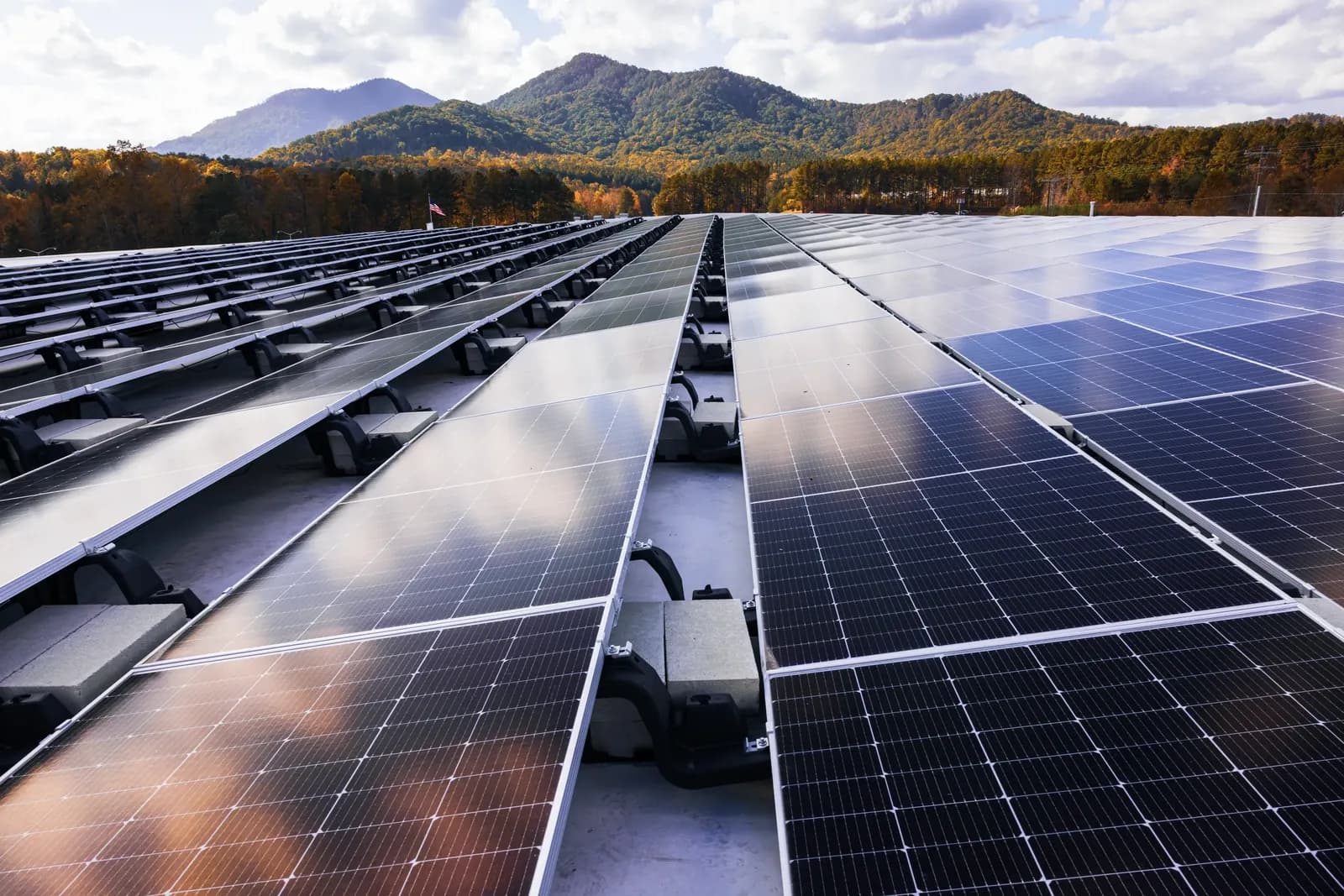
Commercial flat roofs
Edit and adjust the array, and the tool calculates the required ballast for each wind zone.
- Fully ballasted up to 3° slope, hybrid up to 7°
- Buildings up to 100 ft
- System weight, point loads and seismic displacement for structural review
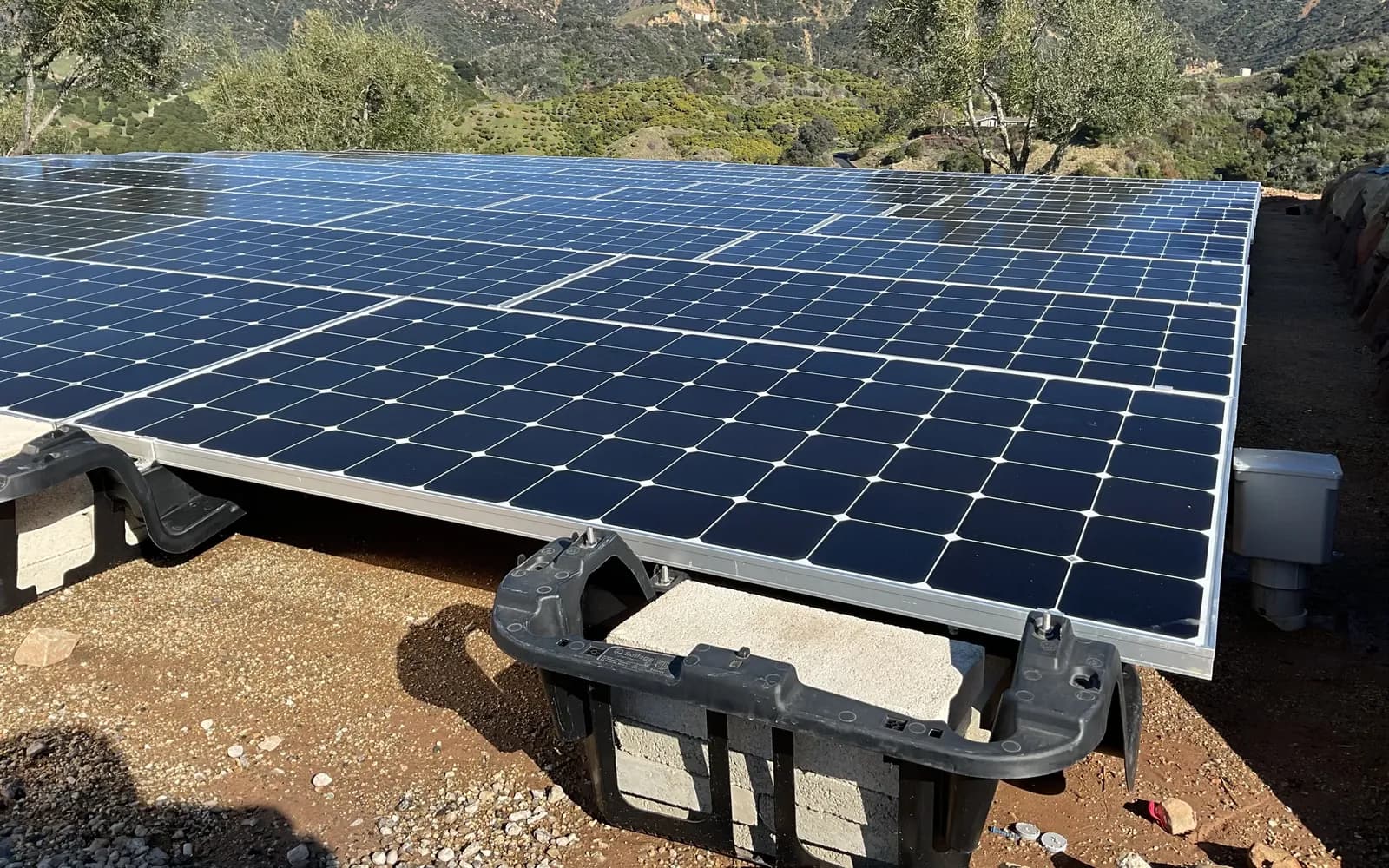
Ground mounts
Ballasted ground-mount arrays use the same one-piece FastRack, with no pile driving.
- Install over existing concrete, asphalt, road base, drain rock or other suitable substrate up to a 7° slope
- The dT outputs an exportable DXF file, a bill of materials and proposal, and a ballast report
Multi-roof arrays, split-level decks and L, U or curved roofs aren't in the tool yet. Sollega can still design them: email sales@sollega.com.
How it works
From new project to quote request. In the tool, a short tour runs the first time you open each editor.
Set up the project
Enter the address, the modules and the building and roof specs. The tool checks the site against its limits.
Draw the site
Trace the roof or ground area, set the azimuth and add pathways.
Lay out the arrays
Draw arrays, check wind zones, place anchors and calculate the required ballast.
Request a quote
Generate the ballast report and submit the design as a request for quote.
Common questions
More questionsWhat does the Sollega Design Tool do?
You draw a commercial flat roof or ground-mount site on satellite imagery and lay out FastRack 510 arrays. Add anchors where you need them, and the tool calculates the required ballast for your site's wind, snow and seismic loads. You get a ballast report, a bill of materials and layout drawings.
When the design is done, submit it as a request for quote and the Sollega team takes it from there.
Which roof types are supported?
Rectangular flat roofs and ground mounts.
Multi-roof arrays, split-level decks and L, U or curved roofs aren't in the tool yet. Sollega can still design them: send the project details to the sales team.
Can I use it on a phone or tablet?
No. Drawing roofs and placing arrays takes a desktop browser with a mouse or trackpad: a current version of Chrome, Edge, Firefox or Safari.
What happens after I submit a request for quote?
The Sollega team reviews the design, confirms the engineering, and emails you pricing and lead times. The project's status on the dashboard shows where it stands.
Can I change a design after requesting a quote?
Reply to the quote email or describe the change through the contact form. For a big layout change, the team may ask you to duplicate the project and submit it again.
Contact Sollega
Call or email us about a project, the Design Tool or FastRack.
- Phone
- +1 415 648 1299
- Support
- info@sollega.com
- Sales
- sales@sollega.com
- Message
- Send us a message